
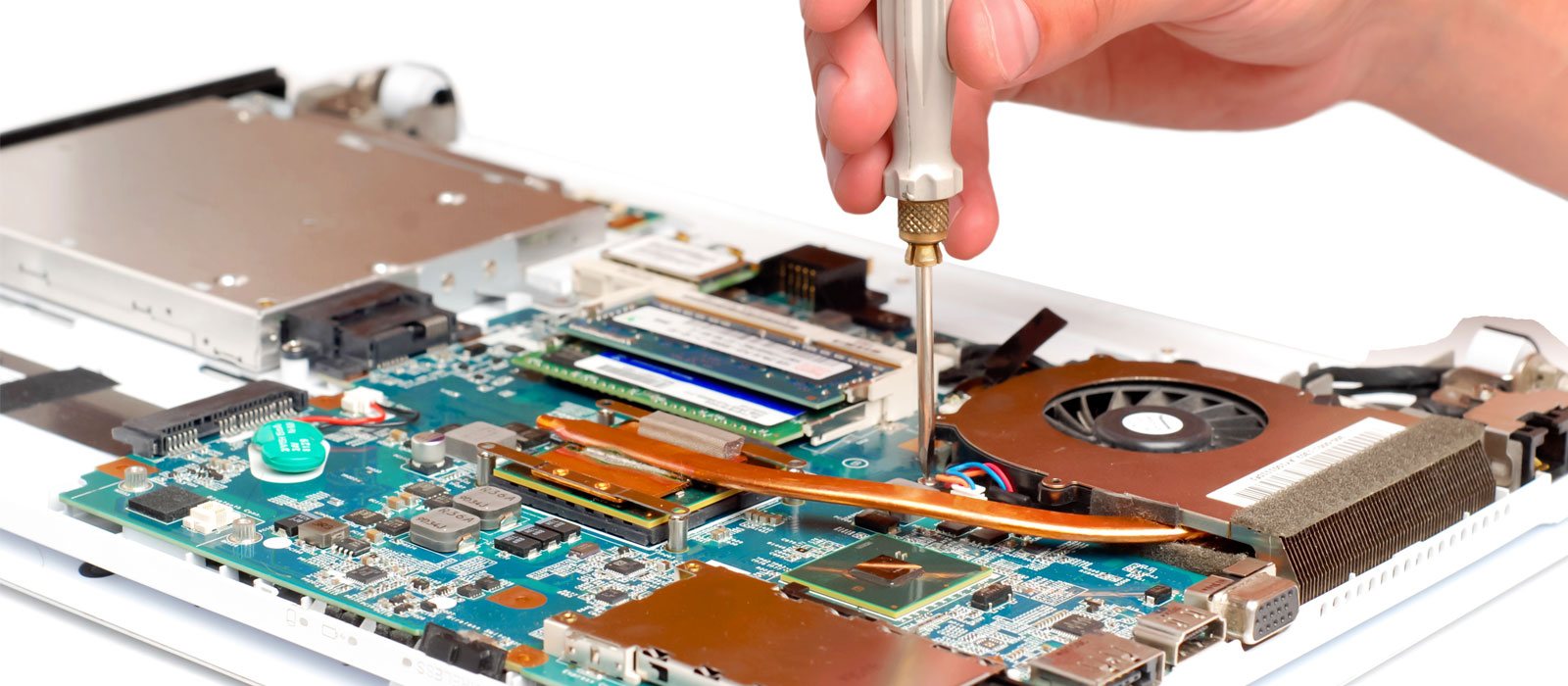
Computer & Laptop Repair Services
Professional desktop and laptop repair services in Banning, CA. We troubleshoot slow computers, startup problems, virus infections, hardware issues, data backup needs, Windows problems, and more.
At Banning Tech Know, we help customers diagnose and repair all types of computer and laptop problems. Whether your computer is running slow, will not turn on, has a virus, needs a new hard drive, or has Windows errors, we can inspect the system and explain your repair options clearly.
We service personal computers, business computers, laptops, desktops, all-in-one computers, and many major brands including Dell, HP, Lenovo, Acer, Asus, Toshiba, Samsung, Sony, and more.
Repair Pricing Notice
Computer repair pricing depends on the issue, repair time, parts needed, data size, software condition, and whether the service is performed in-store or on-site. Please call or visit us for the most accurate current quote.
Computer Diagnostics
Not sure what is wrong with your computer? We can inspect and troubleshoot the system to find the cause of the problem.
- Computer will not turn on
- Slow performance
- Windows startup errors
- Blue screen problems
- Hardware and software troubleshooting
Laptop Repair
We repair many common laptop issues, from power problems to damaged parts and internal hardware failures.
- Laptop not powering on
- Broken screen replacement
- Keyboard and touchpad problems
- Charging jack and power issues
- Internal component troubleshooting
Virus & Malware Removal
If your computer has pop-ups, fake alerts, browser redirects, or suspicious activity, we can scan and clean the system.
- Virus and spyware removal
- Malware and adware cleanup
- Browser hijacker removal
- Security software installation
- System performance cleanup
Windows Repair & Installation
We repair Windows problems and can perform clean installations when needed.
- Windows boot problems
- Operating system errors
- Clean Windows installation
- Driver installation
- System setup and updates
Additional Computer Repair Services
Hard Drive & SSD Replacement
We replace failing hard drives, upgrade computers to faster SSD drives, and help transfer data when possible.
Memory & Performance Upgrades
We can upgrade RAM, improve system performance, clean startup programs, and recommend upgrades when appropriate.
Data Backup & Transfer
We help back up personal files, transfer data to a new computer, and recover data from working or partially working drives when possible.
Data Backup & Transfer Information
We can help back up documents, pictures, videos, music, desktop files, downloads, and other personal data. Data backup pricing may vary depending on the amount of data, drive condition, and time required.
Please note that installed programs usually cannot be copied and reused by simply backing up the program folder. Most programs must be reinstalled using the original installer, license key, or customer account because software installation creates required files, registry entries, and system settings.
If the hard drive or SSD is failing, data recovery may require additional diagnostics and may not always be guaranteed.
In-Store Computer Repair Services
Many repairs can be completed at our store after diagnostics. Once we identify the issue, we will provide a clear quote before performing the repair.
Basic Diagnostics
Recommended when the problem is unknown, the computer is slow, or the device is not working properly.
Advanced Diagnostics
Recommended when the laptop may need internal inspection, motherboard testing, or full disassembly.
Repair Quote
After diagnostics, we explain the issue, repair options, estimated cost, and parts needed before moving forward.
Business Computer Support
We also help small businesses with computer setup, troubleshooting, networking, printers, Wi-Fi, data transfer, email setup, and general office technology support.
- New computer setup
- Business workstation troubleshooting
- Printer and scanner setup
- Network and Wi-Fi troubleshooting
- Data transfer and backup assistance
- On-site technical support may be available
Why Choose Banning Tech Know?
Honest Diagnostics
We inspect the computer and explain the issue before recommending a repair.
Clear Repair Options
We provide practical repair options based on the computer’s condition, age, and customer needs.
Local Service
Convenient computer and laptop repair service for customers in Banning and nearby cities.
How to Get an Accurate Computer Repair Quote
To help us provide the best repair recommendation, please bring your charger if you are dropping off a laptop and let us know what problem you are experiencing.
1. Describe the Problem
Tell us if the computer is slow, not turning on, showing errors, infected, or physically damaged.
2. Bring Important Accessories
For laptops, please bring the charger. For desktops, bring the tower and describe your setup.
3. Get Repair Options
After diagnostics, we will explain the issue, estimated repair cost, and available options.
Need Computer or Laptop Repair?
Call or visit Banning Tech Know for current pricing and repair availability for your desktop, laptop, or business computer system.